Someone is impersonating me online: what should I do?
Seeing your name and photo on an account you did not create is unsettling. It can be harder still when that account starts messaging people you know.
Start by saving the profile details, reporting the impersonation and warning anyone at risk of being misled. If someone has taken over your real account, use the account-recovery process as well.
This guide helps you work out which problem you have and what to do next.
On this page
1. Check whether it is a fake account or a hacked account
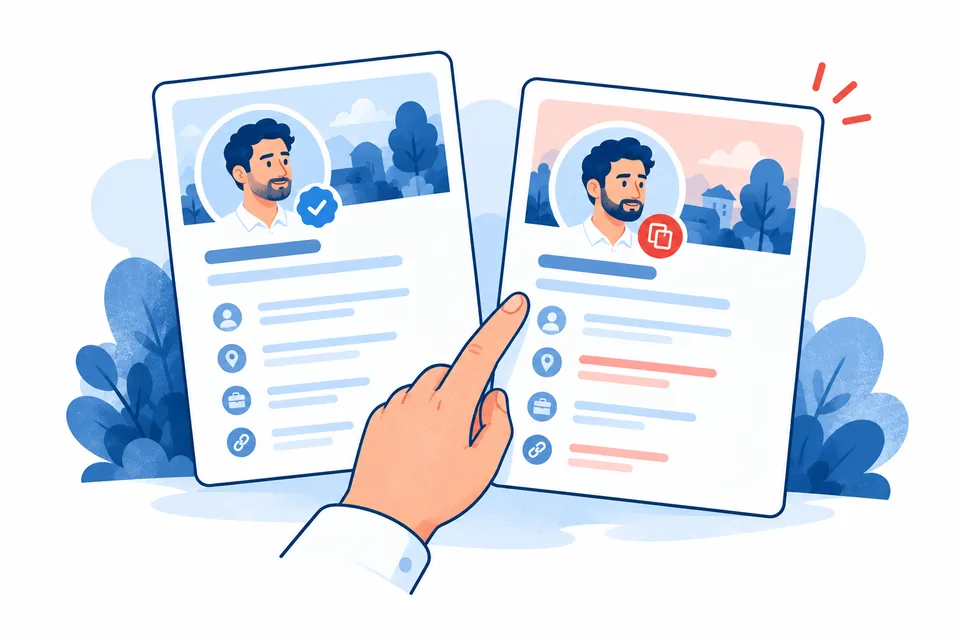
A fake account copies your identity but is separate from your real account. A hacked account is your own account being used without your permission. You can have both problems at once.
Check the exact username and profile link. A small change in spelling can make a fake profile look familiar. If your own posts, password or recovery details have changed, treat that as a possible account takeover.
Someone using the same name is not enough on its own. Look at whether the profile presents itself as you, uses your photos or contacts people on that basis.
2. Save a short record before reporting
Keep the fake profile's URL, username, date and screenshots of the profile and relevant messages. Record your genuine profile link too, if you have one.
Ask affected contacts to preserve messages they received, especially requests for money, passwords or personal information. They should not continue the conversation just to gather more evidence.
Avoid reposting the fake account to a wide audience. A public warning that includes its content can give it more reach.
3. Report the impersonation to the platform
Use the fake profile's reporting menu or the platform's official Help Centre. Look for impersonation, pretending to be someone else or a fake account. Report harmful individual posts separately where needed.
Explain the problem in a few lines. For example, if accurate:
“This profile uses my name and photographs and presents itself as me. My genuine profile is [link]. I did not create or authorise this account. It has contacted people I know asking for money.”
The platform may ask for proof of identity. Provide this only through its official process. Do not send identity documents to the impersonator or someone offering to recover the account through an unsolicited message.
Keep the report reference. If the platform refuses, check whether its response provides a review or appeal route. Explain any missed facts rather than sending the same report repeatedly.
4. Secure your real accounts
If your account has been accessed, follow the platform's official recovery process. The National Cyber Security Centre's recovery guidance can help you work through this.
Change reused passwords, secure the email account used for recovery and enable two-step verification. This adds a second check when you sign in. Review unfamiliar sessions and recovery details where the service allows it.
A copied photo does not by itself mean someone knows your password. Still, checking your security can help you rule out a second problem.
5. Warn the people most likely to be contacted
Use a channel you already trust, such as your genuine account or an established customer email address. Keep the warning clear:
“A separate account is pretending to be me. Please do not send it money or share personal details. If you receive an unusual request, check with me through our usual contact method.”
For a business, tell staff how to verify payment requests and where to send suspicious messages. You may need a notice on your real website if customers are being targeted.
What if money, threats or intimate images are involved?
If money has been sent, contact the bank or payment provider promptly and report the suspected fraud. The NCSC links to the appropriate reporting route; in Scotland, contact Police Scotland.
Report threats, stalking or suspected crime to the police. Call 999 if someone is in immediate danger.
If the account shares sexual images or deepfakes, use the platform's intimate-image reporting route too. Our deepfake action guide explains specialist support. You do not need to negotiate with the account owner before seeking help.
When should you get specialist help?
Consider help if accounts keep reappearing, the impersonation is harming your work or you cannot get a useful response from the platform.
A content specialist may help coordinate reports. A lawyer can assess threats, privacy issues or harmful allegations. A digital investigator may help examine evidence, but ask how the work will be lawful and what it can realistically establish. Nobody should promise to identify every anonymous account.
Get matched with help for online impersonation
Tell us about the problem through five anonymous questions. See relevant specialists, choose one and request an introduction. We will approach the relevant team and check whether they can help.
Matching and introductions are free. Any professional fees are separate. You decide whether to request an introduction; browsing options does not automatically share your details.
Get matched for impersonation help
Compare content removal specialists
Frequently asked questions about online impersonation
Can I report a fake profile if I do not use that platform?
Check its official Help Centre for a reporting form for non-users or someone being impersonated. The process varies by service.
Should friends report it too?
People who received messages can report what happened to them. Avoid organising misleading reports or asking others to claim they are the person being impersonated.
Is impersonation always a crime?
The legal position depends on what the person does. Fraud, threats, harassment and other conduct may raise separate offences. A platform can also act under its rules without a criminal conviction.